# 如何查看游戏id/注册账号/找回密码

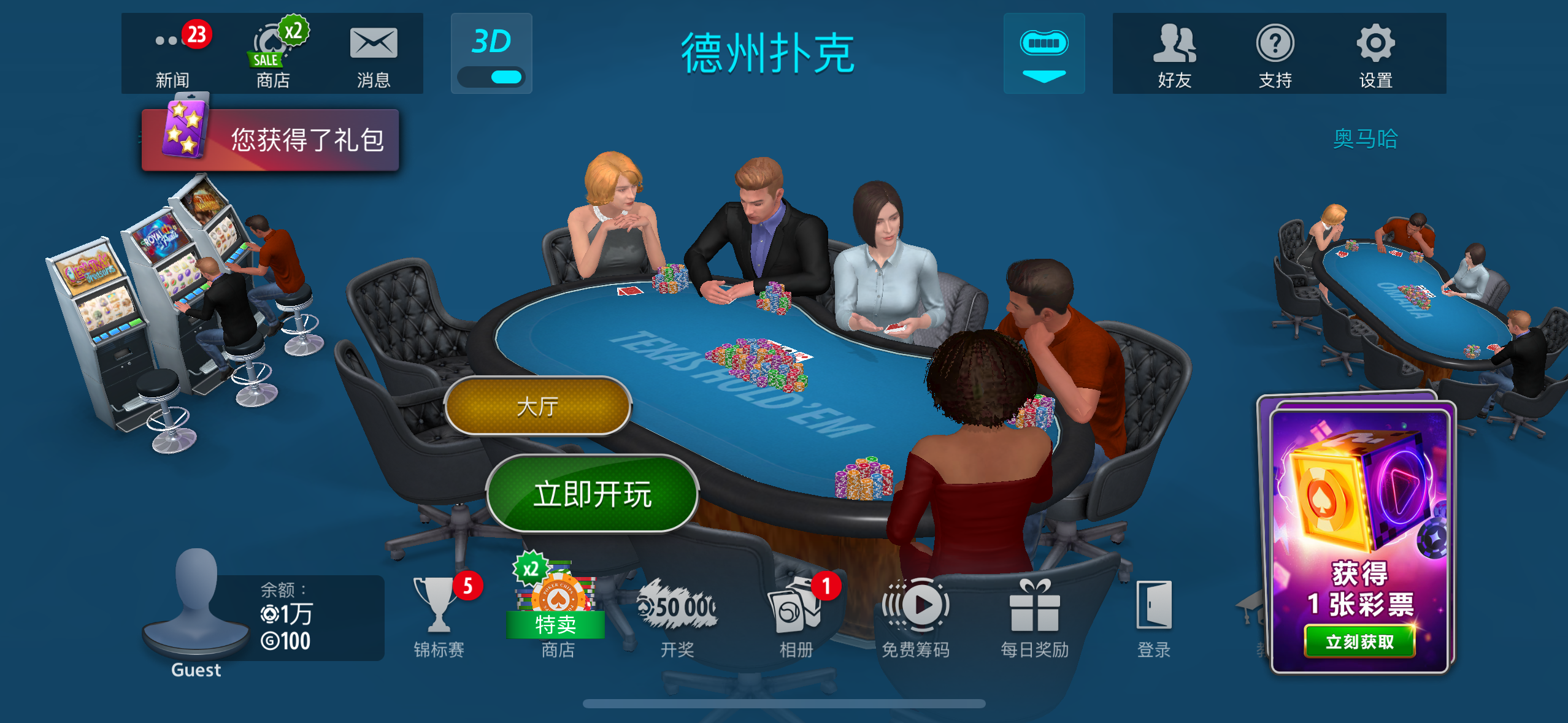
1、登陆游戏后，左下角“Guest”代表是**游客账号**！

<figure><img src="/files/qe31bFJVYVBCkfBAMAyD" alt=""><figcaption></figcaption></figure>

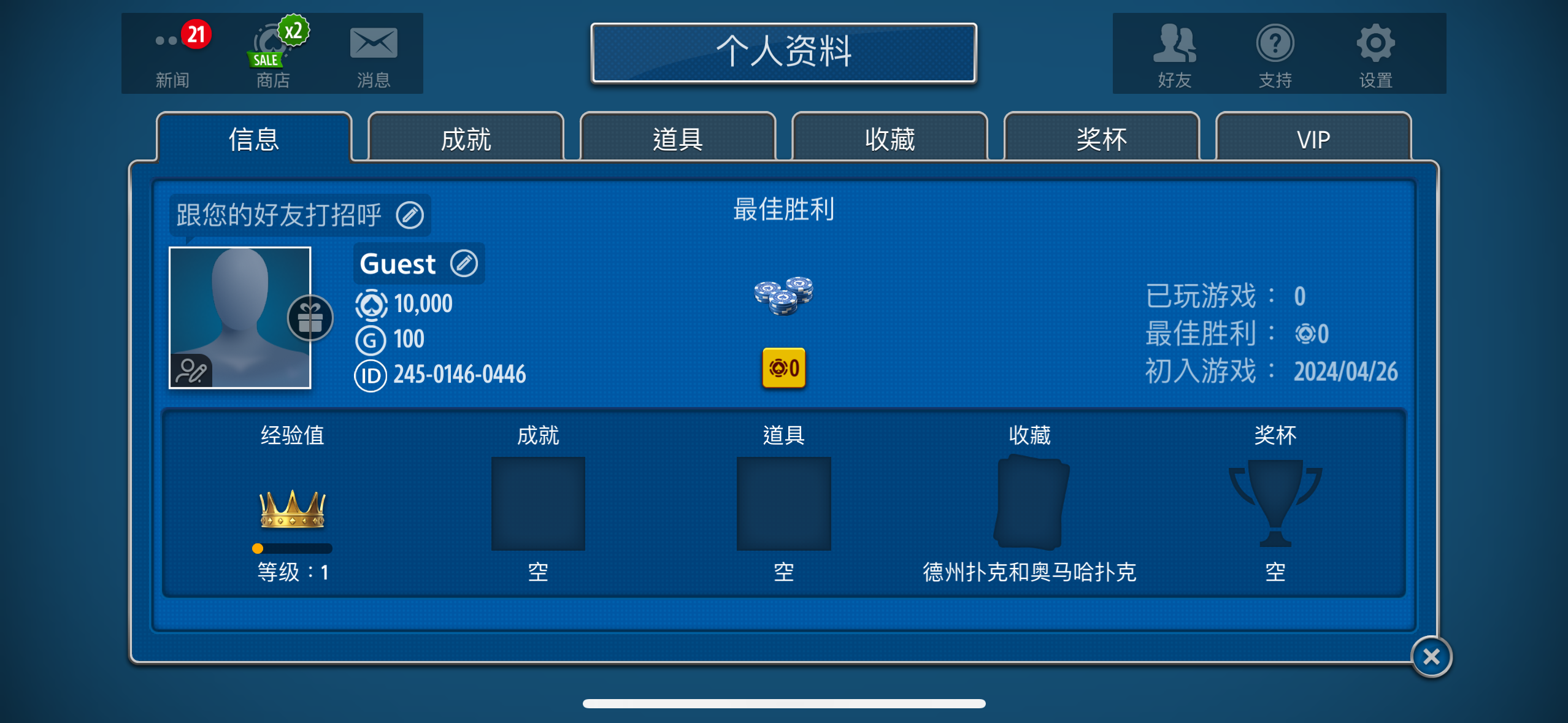
2、点击头像，新弹窗里，有11位数字ID（如下图）

<figure><img src="/files/0bRhIZUiGBEnFxV9791o" alt=""><figcaption></figcaption></figure>

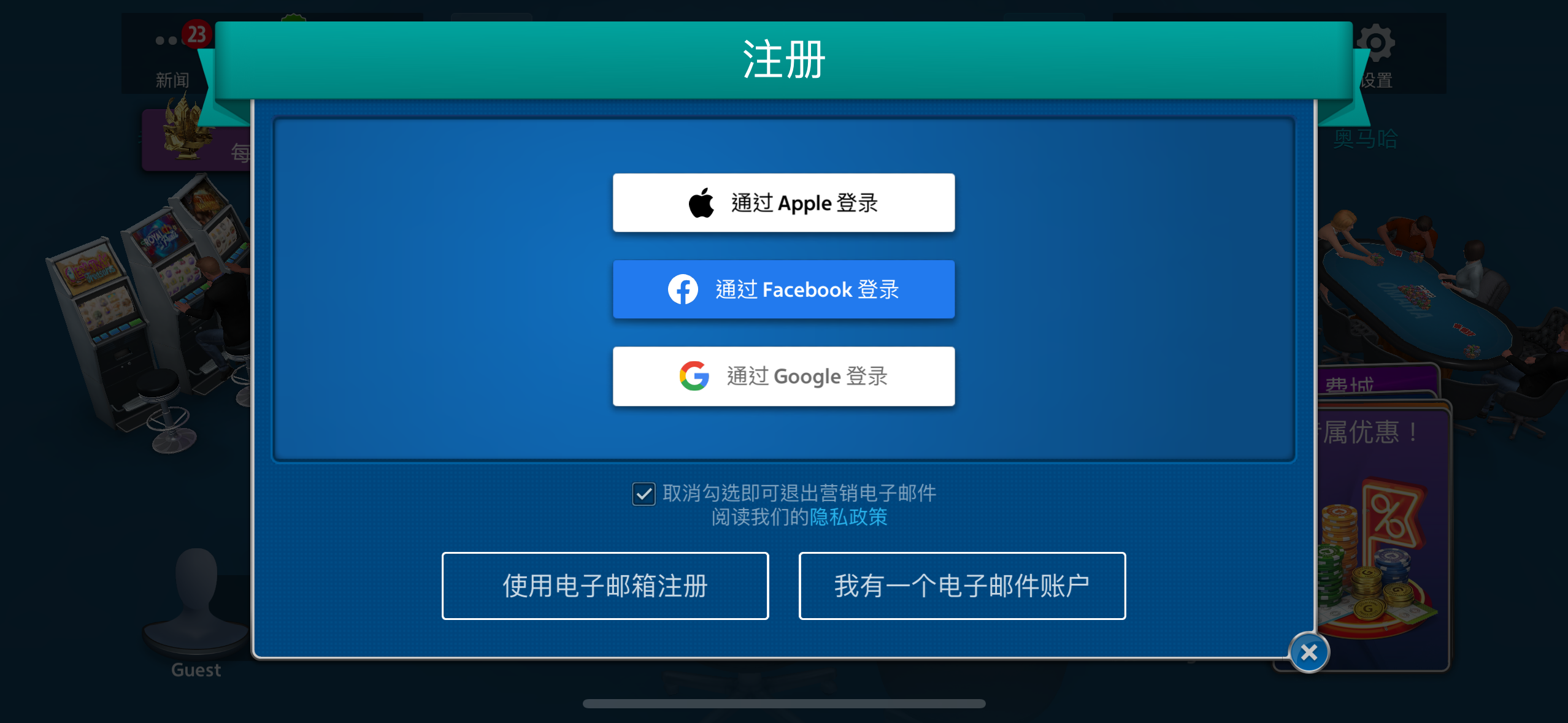
3、在1步骤头像最右侧有“登陆”按钮！点击后可给当前账号添加账户！

<figure><img src="/files/0BuPY2tVJmYu680iPjtx" alt=""><figcaption></figcaption></figure>

4、“使用邮箱注册”是添加该邮箱为账号、并可以给游戏设置一个密码！

5、找回密码请点击“我有一个电子邮件账户”，然后输入邮箱后，会收到一封带链接的邮件；点击邮件中的链接，再返回邮箱会看到一封重置过的密码发给您！

其他问题联系客服处理！购买筹码：🔗[点我购买](https://ka.ecqq.cc?cid=11\&mid=29)

---

# Agent Instructions: Querying This Documentation

If you need additional information that is not directly available in this page, you can query the documentation dynamically by asking a question.

Perform an HTTP GET request on the current page URL with the `ask` query parameter:

```
GET https://doc.ecqq.cc/services/pokerist/1.md?ask=<question>
```

The question should be specific, self-contained, and written in natural language.
The response will contain a direct answer to the question and relevant excerpts and sources from the documentation.

Use this mechanism when the answer is not explicitly present in the current page, you need clarification or additional context, or you want to retrieve related documentation sections.